89F QR Payment Guide: Steps Published for Pakistan
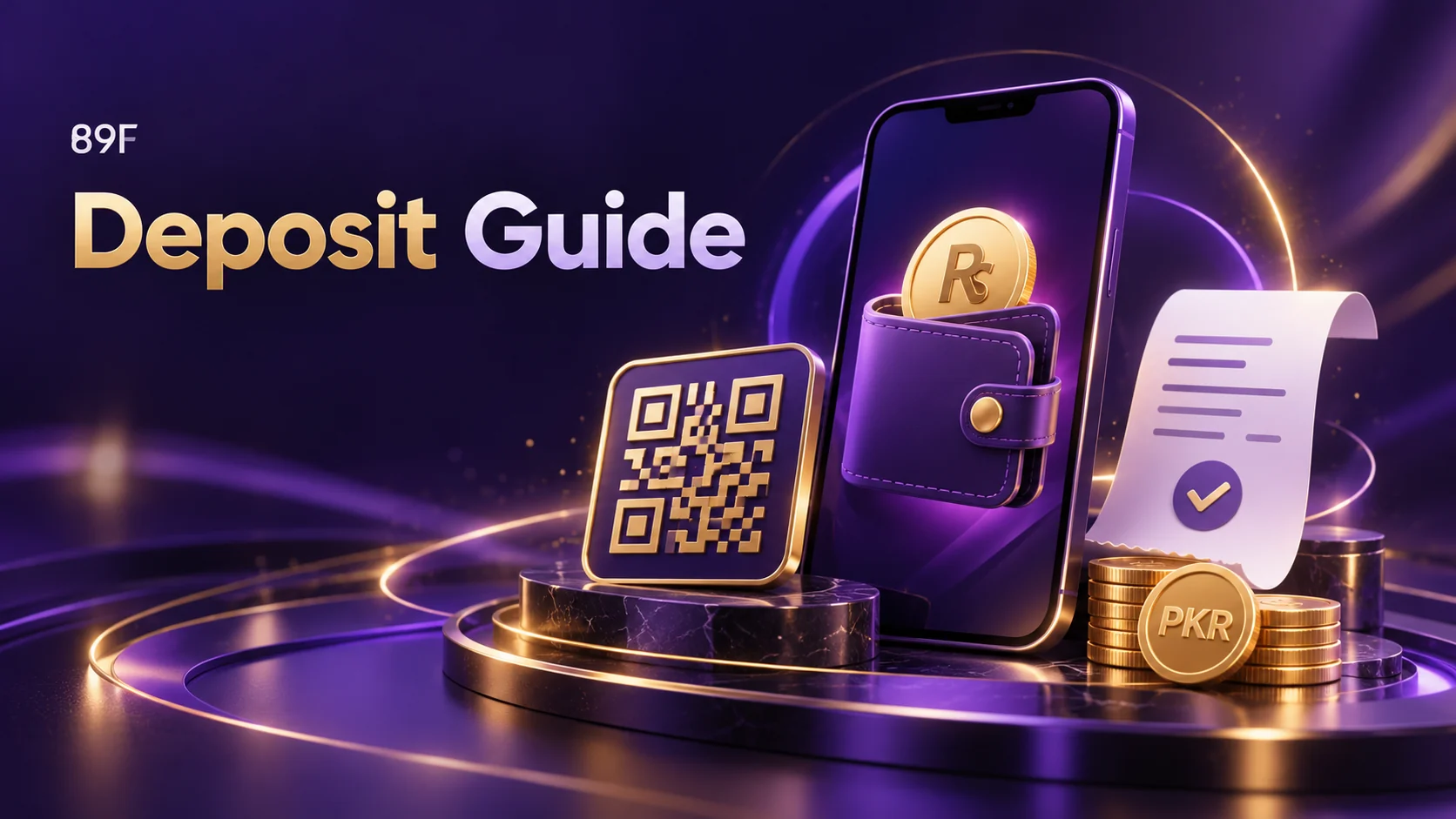
The channel’s QR tutorial describes saving a checkout QR image and paying through a bank or wallet app. The October tutorial lists a PKR 50 minimum. Check the current checkout because limits and supported payment channels can change.
Create a fresh QR request
Open Checkout, choose QR Payment, enter the amount and confirm to generate the QR. Save that image. In the wallet or banking app, choose Scan to Pay and the gallery-upload option, then select the saved image. Menu wording depends on the payment app.
Verify before confirming
Compare the recipient and amount with the current payment request. Enter an OTP only if your own bank or wallet requires it, and never disclose it to another person. Save the receipt and check the 89F deposit status. A wallet success screen does not guarantee immediate account credit.
Source: 89F channel messages 3439 and 3441, 6–7 October 2026
89F News is an independent information site. Check current eligibility and terms with the relevant service.