89F Download Guide: Android Full, Lite and iOS Profile
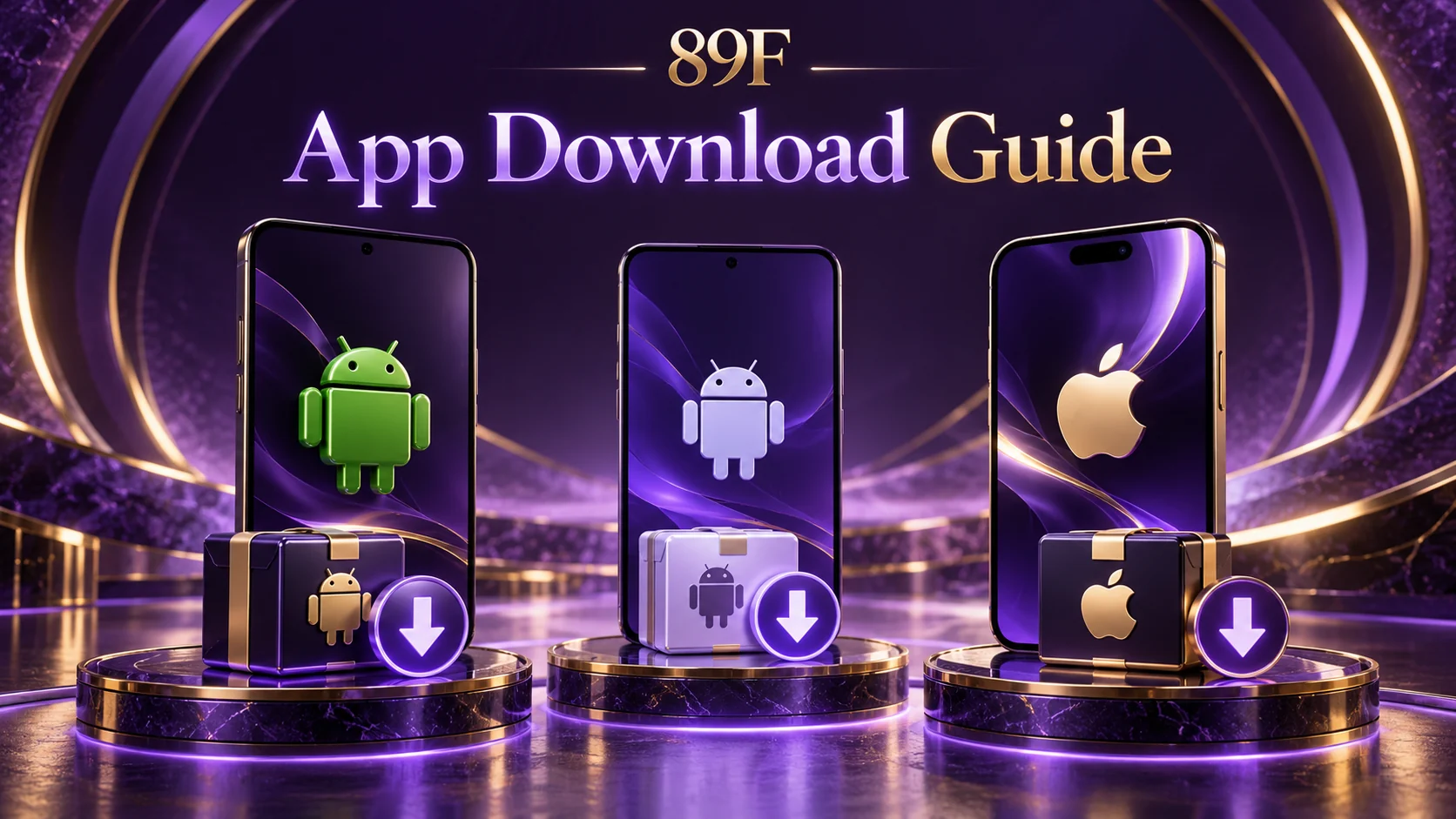
The supplied 89F navigation source contains two Android APK entries and an iOS configuration-profile entry. Full and Lite are separate Android packages. The iOS profile is not an App Store listing and should not be described as an Android APK or a verified native iOS app.
Android installation
Choose Full or Lite and download the corresponding APK. Review the file source before allowing installation from your browser. If you allow this permission, turn it off again when finished. File size, device compatibility and version differences have not been established by the navigation configuration alone.
iPhone profile installation
Open the profile link in Safari and review the downloaded profile in Settings. Depending on iOS, it may appear under Profile Downloaded or General → VPN & Device Management. Read the issuer and payloads before installation. The profile payload has not been audited here; stop if it requests permissions you do not understand.
Source: 89F navigation source: config.js, supplied 19 October 2026
89F News is an independent information site. Check current eligibility and terms with the relevant service.